
Advertisements
Laymch command CAD (shortcut of “layer match”): it is the command to change layer of an object or many objects (origin) you chose to layer you want (destination)
Command : laymch ↵
The steps to do:
- Select Objects :Choose object
- Select an object to change its layer : Choose object to change its layer
- Select Object on Destination Layer : Choose object on destination layer
- Select an object on the destination layer : Choose an object on the destination layer.
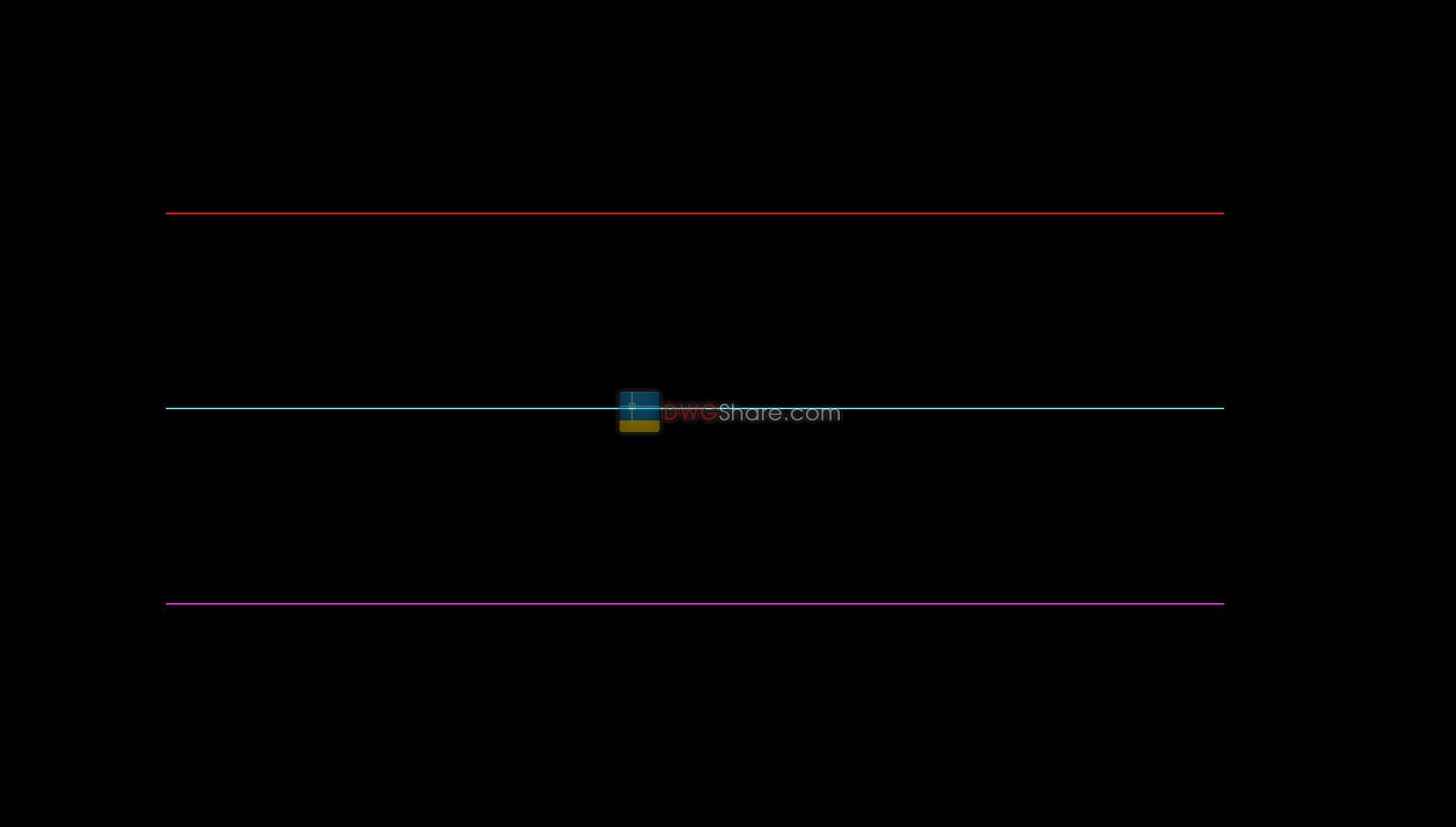
For example: Firstly, you have 3 objects. Start laymch command then choose all 3 objects.

Finally, you choose 1 in 3 objects that you want to bring on its layer (here we choose as below picture)
Advertisements

Good luck!
Thanks for reading!!!
You can see more useful writings about CAD… here
💡Remark: You’re welcome to contribute resources to DWGshare.com by sending us your PDF, DWG, or ZIP files here or via email at [email protected]. Thank you — we truly hope that each of your contributions will help build a stronger and more connected CAD community.
If you find our work useful, your support would mean a lot and help us grow even better.DONATE
If you find our work useful, your support would mean a lot and help us grow even better.DONATE
Related posts
Pe command – Pedit command in AutoCAD – Edit 3D polyline
Box command in AutoCAD – Create the rectangular box solid
INTERSECT command in CAD
Rendercrop command in AutoCAD – Define the region for render window
VP command – Ddvpoint command in cad
Subtract command in AutoCAD – The command to subtract Regions
QTEXT command in CAD
Osmode command in AutoCAD – Adjust the system of catching the point
Dimedit command in CAD